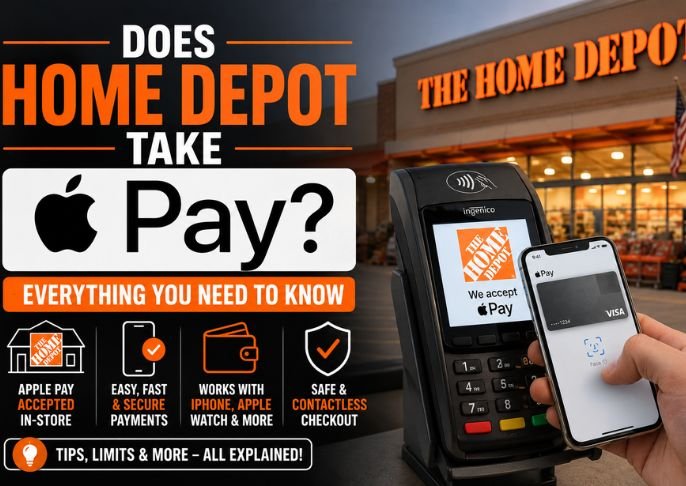
Wouldn’t it be nice to just walk into Home Depot, grab your supplies, go through the checkout, and expect to be able to pay with Apple Pay instead of having to swipe or insert a card? Standing here with a cart full and trying to use Apple Pay can be rather annoying. At Pushwiki, we researched this for you. With search results being all over the place for this question, we understand the frustration and provide you with an answer and some important things you should know before continuing your search.
Short Answer: Home Depot Now Accepts Apple Pay
For a long time, Home Depot was one of the major retail stores that was exceptionally slow to add mobile wallet support to their stores. All of the checkout terminals now have the contactless symbol and an NFC symbol to confirm Apple Pay is now supported along with Google Pay and other contactless cards. Not all store rollouts happen with perfect consistency across all locations overnight so if you see a terminal without a contactless symbol, you should probably ask someone and default to a physical card payment.
Important Warning: Do Not Trust Phone Numbers in Search Results
Before I go any further, this needs to be said clearly: when you search “does Home Depot take Apple Pay,” you will see a ton of fake “support” posts which include multiple phone numbers and tell you to call for help or verification. Do not call these numbers. This is a scam. Home Depot will never have a dedicated phone number to verify Apple Pay. They do a scam by posting these numbers to get people to call them and speak with scammers. If you have a payment support issue, you NEVER call a random support phone number you see on Google. You either go to the Home Depot app, website, or speak to a support in-person Home Depot associate.
How to Use Apple Pay at Home Depot
Apple Pay is a simple step by step process, once you learn how:
- Approach a checkout stand be it a staffed register or a self checkout line
- Locate the contactless payment symbol, I’d have to give you the icon for that
- Double click the side button on your iPhone, or double click the side button on your Apple Watch, to bring up Apple Pay,
- Hold your device facing the terminal
- Authenticate with Face ID, Touch ID, or your passcode
- Wait for the confirmation checkmark, and you’re done
Does Apple Pay Work on Home Depot Website and App?
Apple Pay works with Home Depot for Safari online purchases. It allows Home Depot shoppers to checkout without having to enter payment information.
What If Apple Pay Fails At a Particular Register?
We have some answers to your frequent questions:
- Ensure you have added and verified your physical card by Apple Wallet
- Ensure your phone is on and not locked.
- Place your phone a little closer to the reader. NFC is a close range technology.
- Card readers do occasionally fail and you can ask the staff for assistance. They can give you options to finish your transaction without using Apple Pay.
Alternative Payment Methods Home Depot Accepts
In addition to Apple Pay, Home Depot accepts the following payment methods:
- Visa, Master Card, American Express and Discover credit and debit cards
- Home Depot Consumer and Commercial Credit Programs
- Home Depot gift cards
- Cash and check payment at the store
- PayPal (only online)
Final Thoughts
Home Depot takes Apple Pay. Contactless payment is now offered in all locations. You can expect a quick transaction with your iPhone or Apple Watch at the payment terminal. Avoid customer support phone numbers you find while searching online, they are not affiliated to Home Depot and contacting them will not help you.
Also Read: You Need to Know About the New Bank Withdrawal Rules for 2026